Touch designer
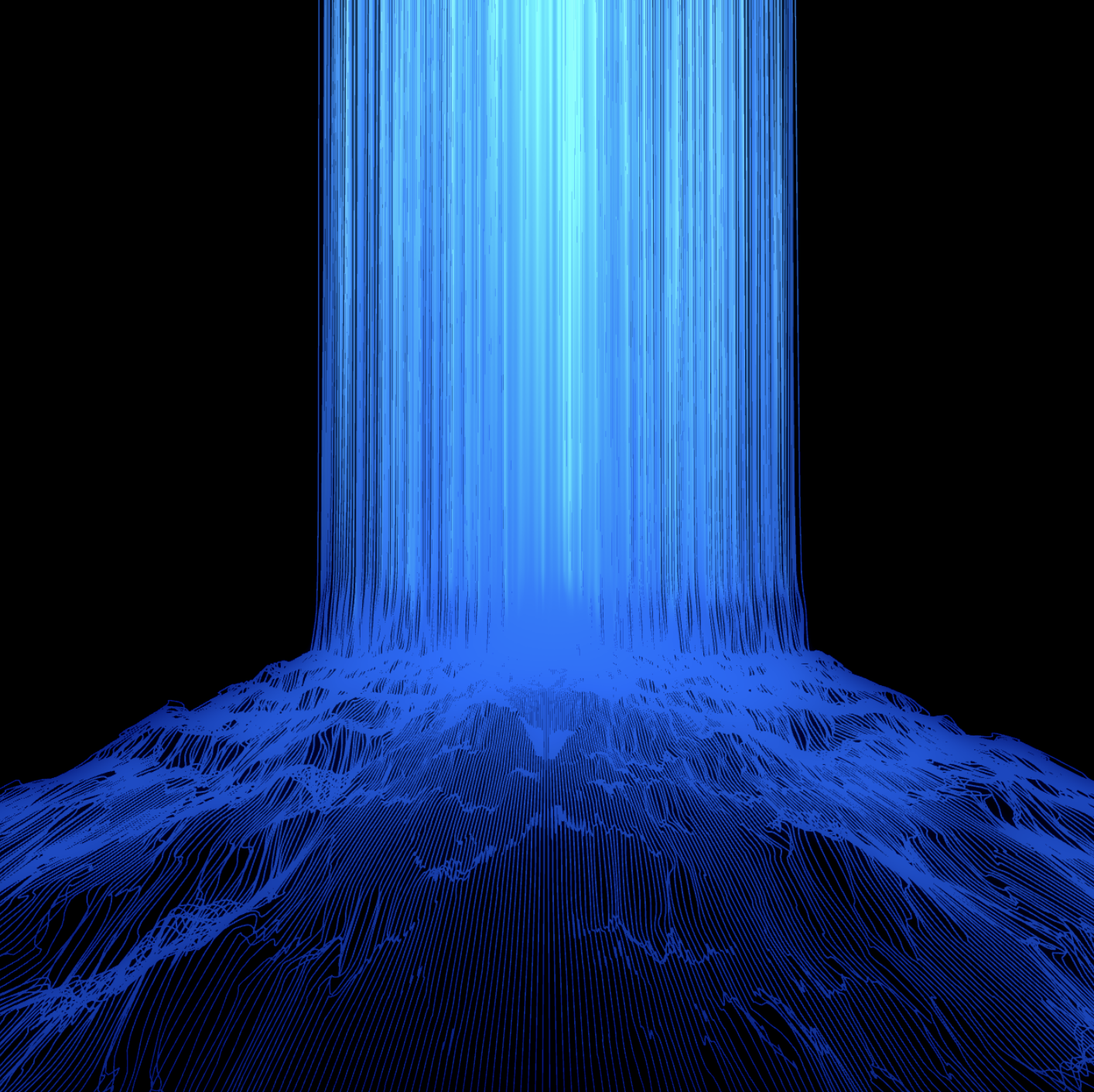
These are some of my favorite TouchDesigner projects fun, experimental, and creative variations that I really enjoyed making. Each project explores different visual effects, interactions, and animations. The video you see here shows a fluffy ball I created that responds to sound, demonstrating motion, texture, and interactivity in real time. Feel free to explore and experience each variation!
This dense designer’s color is inspired by my actual eye in sunlight. I wanted to mimic the iris and bring a personal touch into the visuals, creating a subtle connection between my real-life inspiration and the digital design. I thought it’d be a fun and unique way to demonstrate it to you,
Challenge and Solution
Challenge
- Understanding real-time visual programming
- Working with interactive elements (like sound, mouse, or sensors)
- Creating visually appealing animations
- Learning efficient workflow for large projects
- Mastering sound-reactive or data-driven visuals
- Overcoming frustration with trial and error
Solution
- Experiment with nodes and operators to see how data flows
- Follow small tutorials, then recreate projects from scratch
- Start with basic input nodes and visualize their output
- Gradually layer complexity: textures, animations, and effects
- Break animations into smaller steps and tweak timing
- Use color, lighting, and composition to enhance visuals
- Organize nodes into reusable components